Start with the glass and the view through it
EagerLED’s EA-iFilm is an indoor transparent LED film intended for architectural glass surfaces. The official description names curtain walls, glass windows, shop windows and glass guardrails as application areas. It describes direct attachment to the glass rather than a conventional rental cabinet assembly. EA-iFilm overview
For an architectural project, the first brief should identify what the glazing does when the display is on and when it is off. A shop may need to preserve a view of merchandise; a lobby may want moving graphics while retaining an open view across the building frontage. Show both conditions to the designer and supplier. The desired media effect and the desired view through the glass need to be reviewed together.
EA-iFilm belongs in the transparent displays collection. Compare the mounting approach as well as the appearance when examining related products. The EA-iFilm2 guide covers a separate model; its specifications should remain separate from those on this page. Use the product catalog to organize other display formats included in the building brief.
Read transparency and brightness as a paired selection
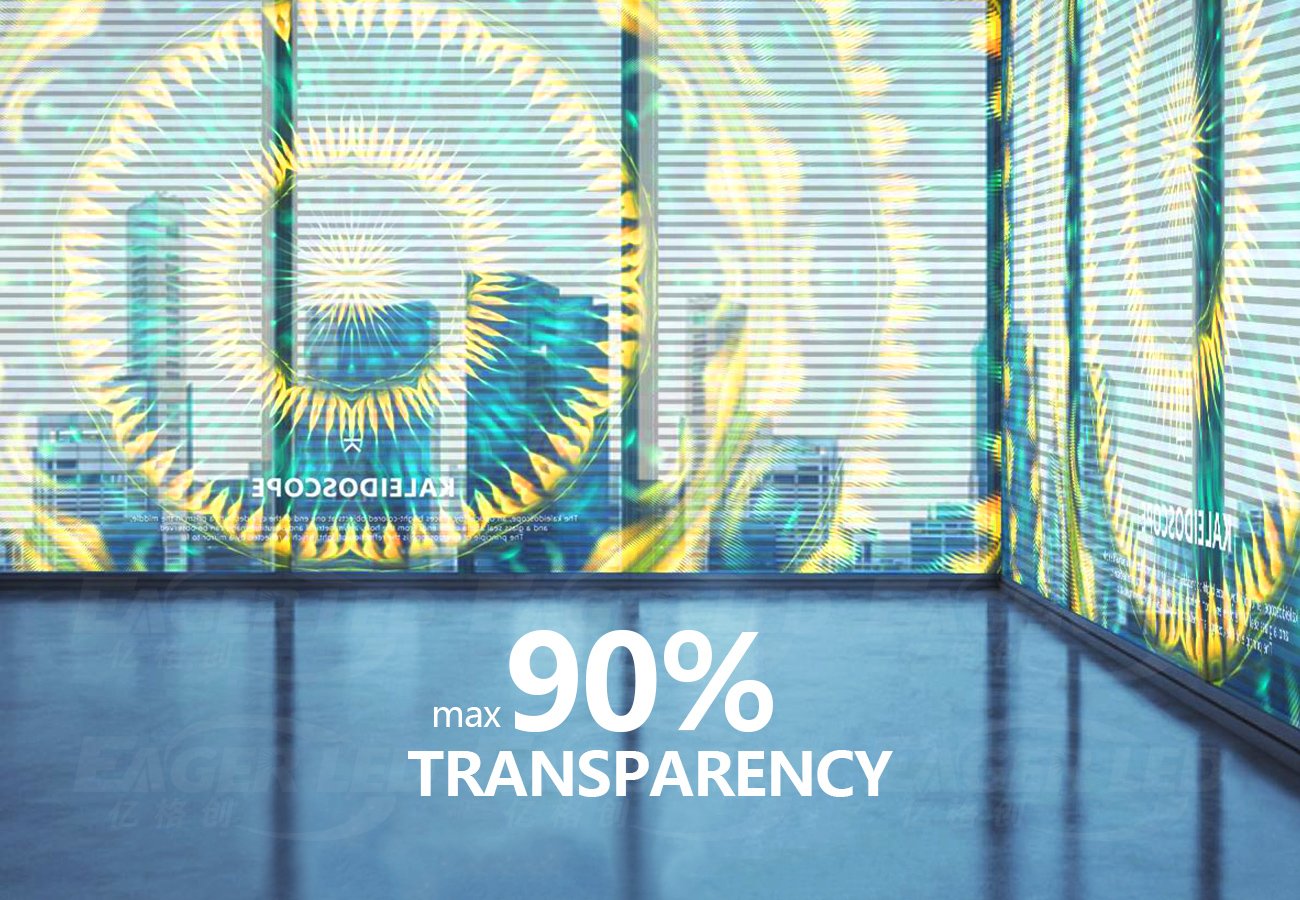
The source headline highlights transparency up to 90%, but its detailed table gives different transparency values for each pitch. Brightness also changes across the entries. A buyer cannot apply the headline maximum and a brightness figure from another variant to the same specification.
| Exact model | Published pitch label | Transparency | Brightness | Maximum consumption |
|---|---|---|---|---|
| EA-iFilm-P4-8 | P4-8 | 60% | 5,500 cd/m² | 800 W/m² |
| EA-iFilm-P6.5 | P6.5 | 55% | 5,000 cd/m² | 800 W/m² |
| EA-iFilm-P5-10 | P5-10 | 80% | 5,000 cd/m² | 700 W/m² |
| EA-iFilm-P8 | P8 | 80% | 5,000 cd/m² | 700 W/m² |
| EA-iFilm-P10 | P10 | 85% | 5,000 cd/m² | 700 W/m² |
| EA-iFilm-P16 | P16 | 85% | 3,000 cd/m² | 400 W/m² |
| EA-iFilm-P20 | P20 | 90% | 2,500 cd/m² | 300 W/m² |
The EA-iFilm variant table supplies these values. Keep the source’s paired pitch labels, P4-8 and P5-10, intact in enquiries. They should not be rewritten as a different single-number pitch without a confirmed specification from EagerLED.
The table lists IP30 protection for these configurations and describes them as indoor products. It lists a viewing angle of 140°, refresh frequency of at least 3,840 Hz and 16-bit grayscale. These identify the published configurations; they do not change the indoor application scope. EA-iFilm common specifications
Ask for a sample of the proposed variant at the intended glass location. Review the displayed content, the visible structure and the view into or out of the building. Record the glass type, lighting conditions and audience position used for that review. A sample accepted against a different background may not answer the questions that matter at the actual site.
Develop content for the real frontage
Bring representative artwork to the sample review. Include the text and graphic detail the display must communicate, rather than relying only on broad colour effects. Ask the content team to mark which elements must remain legible and where the viewer is expected to see them.
Review the background scene at the same time. Merchandise, interior lighting and activity behind the glass form part of the viewer’s experience. Show the proposed media with those elements present, then decide whether the arrangement achieves the intended balance. Keep the approved content examples with the selected pitch reference so future media work begins with a useful brief.
For shop windows, identify areas that must preserve a view of products or an entrance. For curtain-wall projects, map mullions and other interruptions in the intended display area. The supplier and content team can then work from the same drawing, with a clear boundary for the media and a clear record of the glazing features around it.
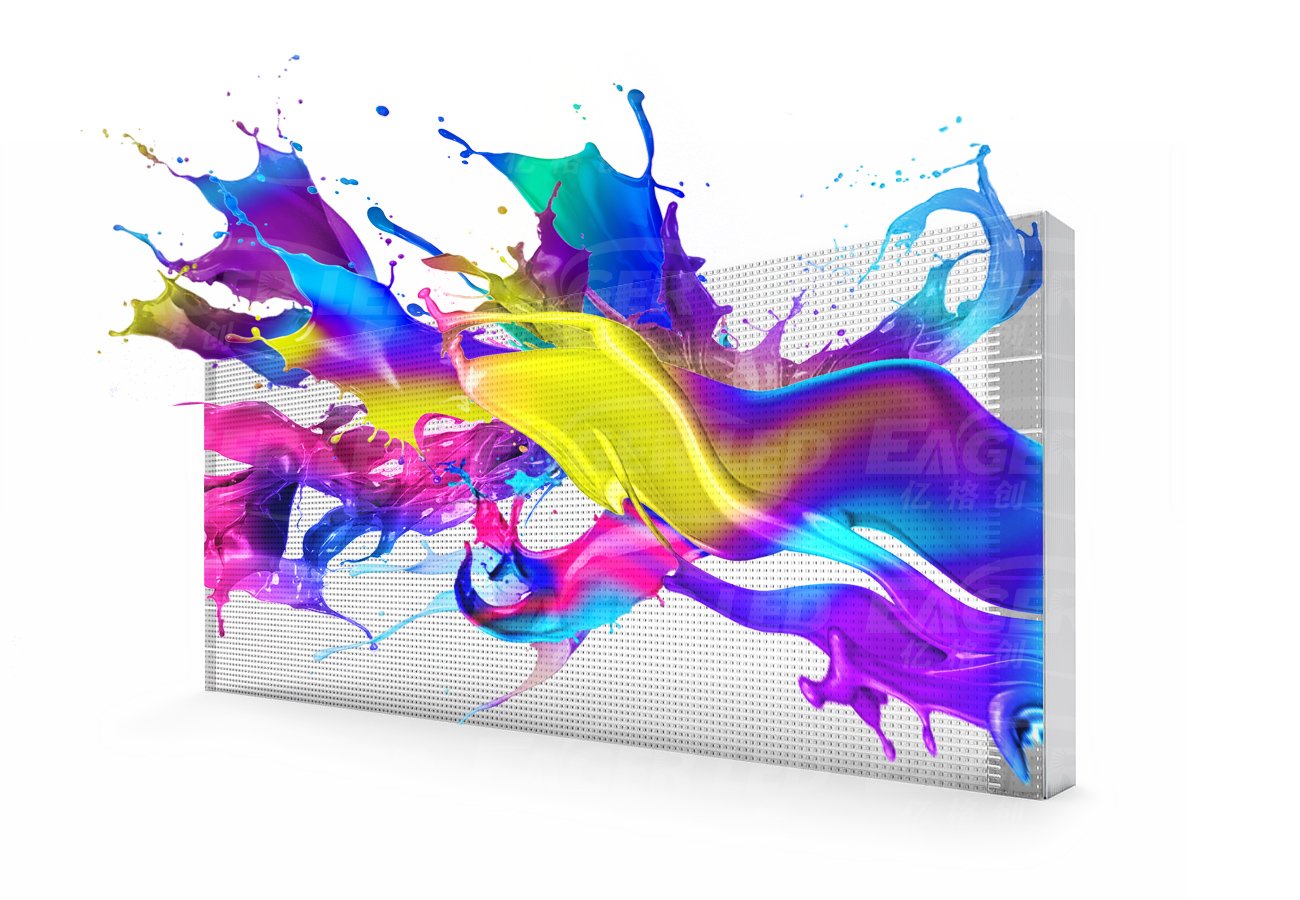
The official product images include a conceptual rendering and a glass installation illustration labeled with maximum transparency. They illustrate the manufacturer’s intended use; the transparency for an ordered variant remains the value in its own table entry. EA-iFilm product illustrations
Confirm the glass attachment as a construction detail
EagerLED describes attaching EA-iFilm directly to the glass surface. The body gives approximate film thickness as 5 mm and weight as 6 kg/m². The area-based weight unit in the body and parameter table is the useful figure for planning; the shorter headline’s “6kg” should not be read as the weight of every custom installation. EA-iFilm dimensions and attachment
Provide the glazing drawings and identify the surface proposed for attachment. Ask EagerLED to confirm the compatible glass and any restrictions on coatings or surface condition. Have the glass contractor review the proposed installation with the display supplier, including the locations of attached equipment and the route of cables.
Request the preparation and attachment procedure for the selected configuration. It should identify what the installation team needs to inspect before work, how the display sections are positioned and how the completed attachment is checked. Keep the approved method with the project records so later maintenance does not depend on assumptions about the original installation.
The product page refers to flexibility for different shapes, but it does not provide a minimum bend radius or approve every curved glass geometry. If the glazing is curved, supply its drawing and request a configuration-specific response. Avoid treating a general flexibility description as a construction dimension. EA-iFilm shape description
Allow space for electrical equipment and maintenance
The source lists cabinet size as customized. It does not establish a universal finished panel dimension, power-equipment location or field replacement procedure for every installation. Those items need to be defined in the project package before the surrounding architectural work is completed. EA-iFilm customization table
Ask for a layout showing the display sections, connections and locations of supporting electronics. Identify who can reach those parts after shop fittings or interior finishes are installed. Include the intended cable concealment in the drawing, together with the access required for inspection and replacement.
Use the selected variant’s power figures in the electrical brief and have the responsible team design the full distribution. Keep the supplier’s settings and configuration records in the handover package. The building operator should know where the equipment is located, how to identify an affected display section and whom to contact for the agreed service procedure.
Discuss cleaning and replacement before accepting the attachment method. Request approved instructions for the display and the adjoining glass, including any restrictions on materials or access equipment. Define whether future service requires the installer to return and how the site should prepare the area. These details affect the building’s ongoing use even when they do not appear in a short product table.
Coordinate the architectural and media decisions
| Decision | Information to prepare | Confirmation to obtain |
|---|---|---|
| Preserve a view through the glass | Viewpoints, background scene and display-off expectations | Sample review of the selected variant |
| Communicate the intended message | Actual text, artwork and content boundaries | Approved content examples and display map |
| Choose the film configuration | Required pitch, transparency and brightness priorities | Complete model reference and matching specifications |
| Attach to existing glazing | Glass and coating information, surface location | Approved preparation and attachment method |
| Fit equipment into the building | Cable routes and proposed electronics locations | Electrical layout and accessible service positions |
| Maintain the frontage | Cleaning arrangements and building access rules | Written cleaning, repair and replacement procedure |
Send these items through the project quote form. Include the architectural drawing and sample artwork together so the supplier can respond to the display as it will actually be used. Identify unresolved glazing or access details in the brief rather than letting them disappear behind a finished visual rendering.
Frequently asked questions
Does every EA-iFilm variant reach 90% transparency?
No. The detailed table assigns 90% to EA-iFilm-P20 and lists different percentages for the other variants. Compare transparency alongside that variant’s brightness and pitch. EA-iFilm transparency table
Is EA-iFilm an outdoor product?
The source identifies it as an indoor transparent film screen and lists IP30 for the tabled configurations. Specify the installation environment and obtain an appropriate product selection for any different exposure. EA-iFilm indoor scope
Is the published weight a fixed weight per panel?
The body and table give 6 kg/m², an area-based weight, while dimensions are customized. Request the completed installation’s dimensions and equipment schedule for the project. EA-iFilm weight and sizing
Can the film be attached to any glass without review?
The source describes direct glass attachment, but it does not specify suitability for every glass type, coating or geometry. Have the supplier and glass contractor confirm the actual surface and installation method. EA-iFilm installation description
Does 3,840 Hz describe the image resolution?
The specification table identifies at least 3,840 Hz as refresh frequency. The descriptive text also uses that figure in a sentence about resolution; this page follows the table’s refresh-frequency label. Obtain the custom display’s pixel layout separately. EA-iFilm refresh specification
CHECK THE DETAILS
Sources & references
Source pages can change. Access dates record when they were consulted.
- EA-iFilm indoor transparent film specifications Accessed 28 September 2026
Discuss EA-iFilm for your project.
Share the application, destination and screen dimensions to request a configuration and written quotation.
Request a project quote