Choose a position that uses the four faces
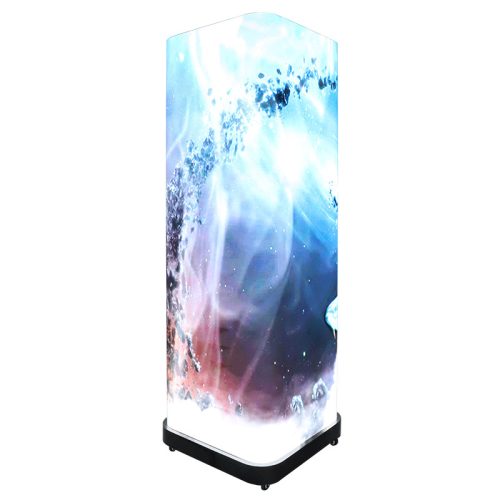
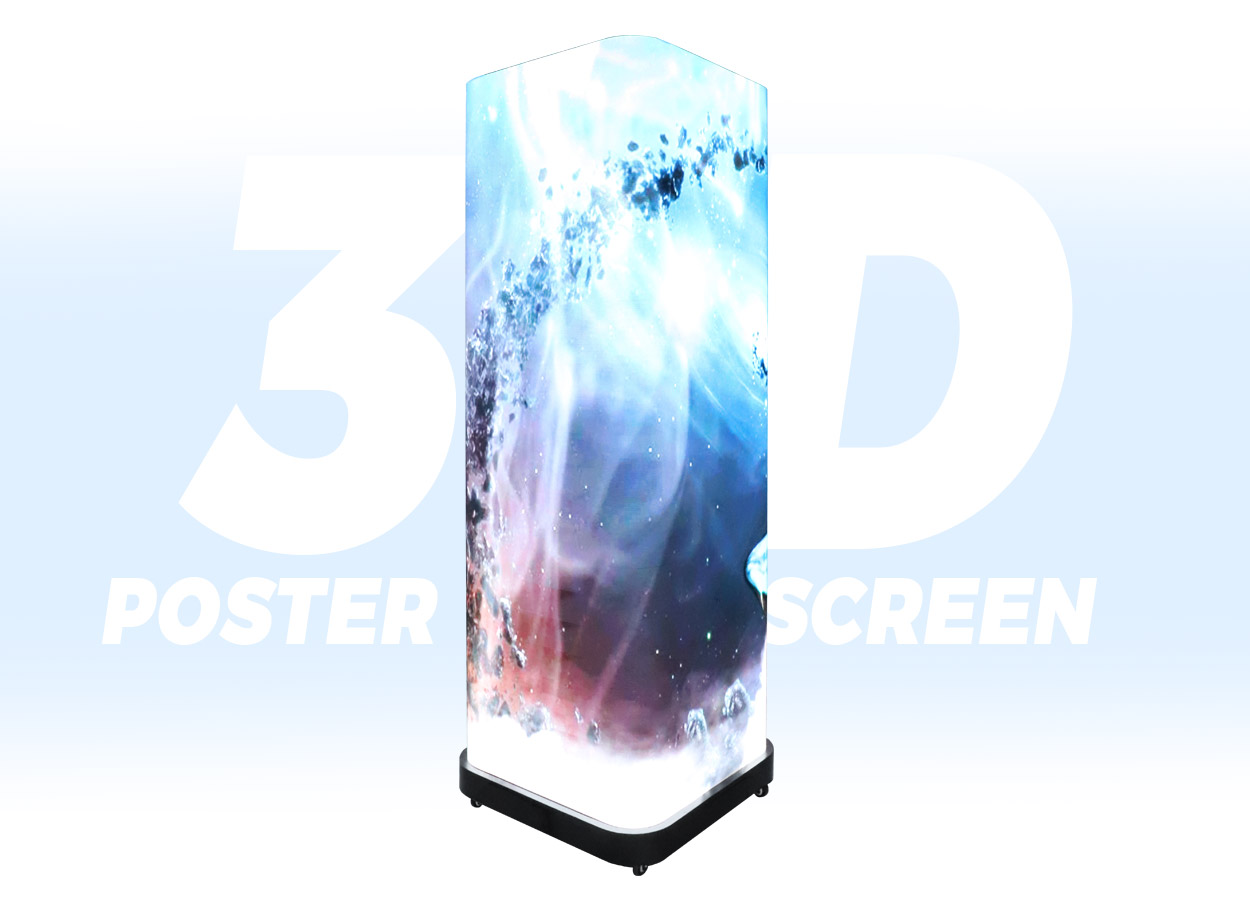
The EA3DiP1 is an indoor LED poster with four display faces around a 680 × 680 × 1920 mm cabinet. Flexible LED modules continue around the vertical corners. EagerLED describes use in mall atriums, retail entrances, exhibitions, theater lobbies and other spaces approached from several directions. Its product description supports synchronized content across the faces or independent signals through the configured control system.
Draw the intended location before commissioning the media. Mark the main entrances, pedestrian approaches and positions where people are likely to stop. Decide whether each face should repeat the same message, address a different audience or participate in one coordinated sequence. Placing a face against a wall may be reasonable for a particular layout, but account for the part of the display that people will not see.
The source uses “360° visibility” to describe the four-sided presentation and separately lists a 170° viewing angle. Neither statement promises that a perspective illusion will look identical from every position. For a 3D campaign, agree on the principal viewing zones and review the content from those positions before the display is put into service.
Compare the three pitch choices
The EA3DiP1 is documented in P1.25, P1.56 and P1.86 versions. All use 320 × 160 mm modules, while the module pixel matrix changes with pitch. The figures below come from the official specification table. They describe a module, not the complete four-face content canvas.
| Pitch option | Listed LED package | Module resolution | Module size |
|---|---|---|---|
| P1.25 | SMD1010 | 256 × 128 pixels | 320 × 160 mm |
| P1.56 | SMD1212 | 204 × 102 pixels | 320 × 160 mm |
| P1.86 | SMD1212 | 172 × 86 pixels | 320 × 160 mm |
Across the three columns, EagerLED lists 600 cd/m² brightness, 16-bit grayscale, a 3840 Hz refresh rate and a cabinet weight of 125 kg. The written model description also specifies a 10,000:1 contrast ratio. Treat these as published model figures and confirm the offered configuration in the order. EA3DiP1 specifications.
Choose pitch with the smallest text and fine detail in the actual content. A large animated object and a timetable on the same face have different design requirements. Use the pixel pitch guide to organize a sample viewing check, then ask for the complete pixel layout of each face and corner. Do not derive an artwork template solely from the external cabinet dimensions.
The unit is described for indoor use and its table lists IP31. Keep environmental suitability separate from image performance: the refresh rate, brightness and viewing angle do not establish permission to place it outdoors.
Commission the perspective content
The manufacturer ties the naked-eye 3D effect to correctly prepared perspective content. The flexible corner modules provide the continuous surfaces used by that presentation, but the page does not describe an automatic conversion of arbitrary video into a finished 3D campaign. Include content design as an explicit part of the brief if that effect is the reason for buying the display. 3D content guidance.
Ask the media designer for a preview using the selected cabinet’s pixel map and the venue’s viewing positions. Identify where the main subject crosses a corner, where text remains readable and how the loop returns to its first frame. Approve a complete sequence, including its opening and ending, rather than judging one still image. Retain the approved source files and export settings for later campaigns.
Also prepare an ordinary information layout. A store may want an offer during one part of the day and a branded animation during another. Decide what appears on the other faces while a visitor watches the primary one. This is a content-planning decision, not evidence that a particular scheduling package is included.
If the event will be filmed, ask for a camera test with the intended camera settings and content. The listed refresh rate is a useful specification to record; it does not replace checking the actual filming arrangement. Put any acceptance requirement into the project brief so both the content team and display supplier know what must be demonstrated.
Plan delivery, movement and service
EagerLED documents caster wheels for moving the 125 kg unit between indoor positions. Obtain packed dimensions and packed weight for delivery planning, then inspect the route from unloading to the operating position. Ask the supplier for handling instructions, including how the unit is secured while moving and how its wheels are set for use. Do not infer that the presence of casters establishes a one-person handling procedure.
Give the venue a drawing that shows the complete cabinet, power and signal routes, and the space reserved for people and maintenance. The official page itself asks buyers to confirm floor loading, routing and service access. Have the venue and installer resolve those requirements for the selected position before delivery rather than treating the cabinet footprint as the whole installation area.
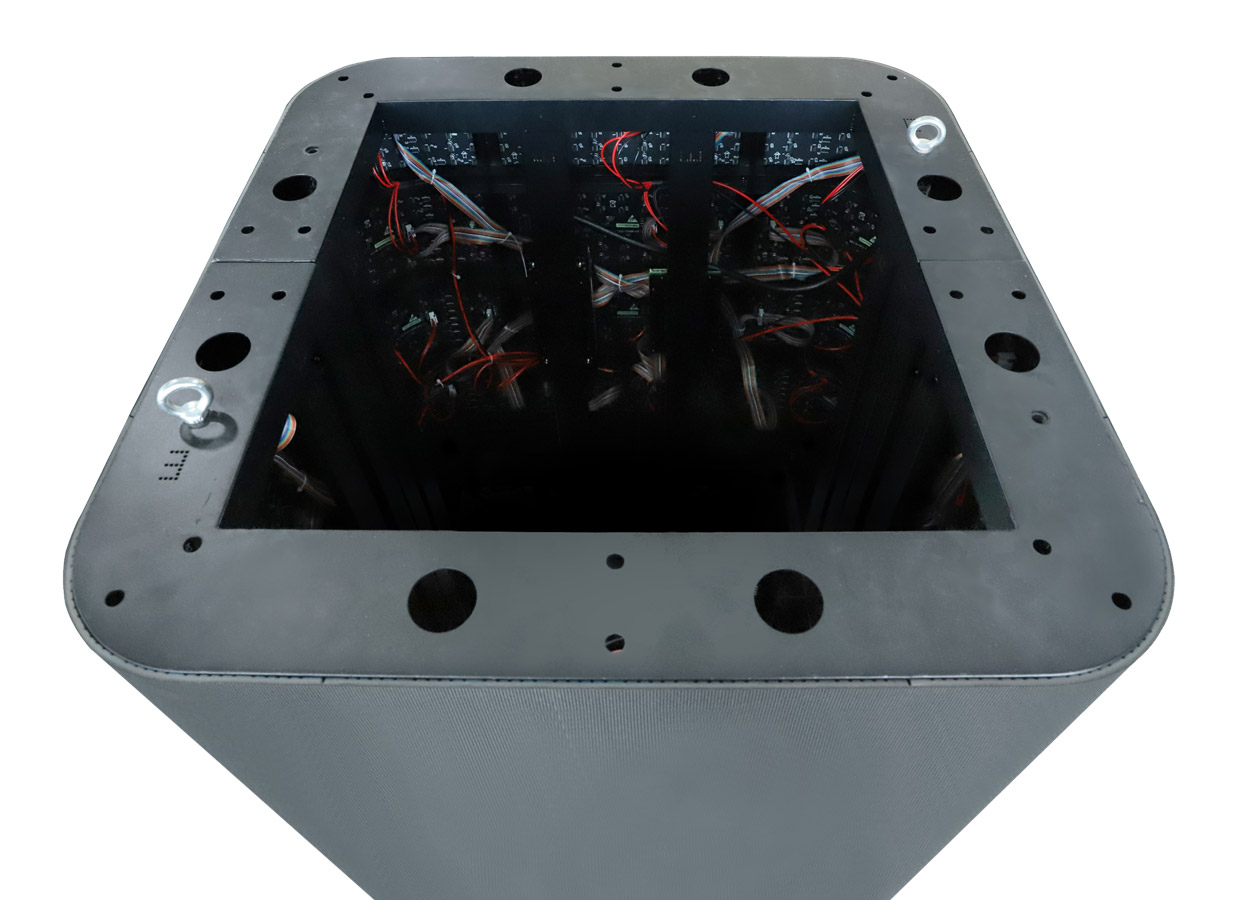
The source describes front access to modules and key components without rear service clearance. For a four-sided unit, ask which face is used for each procedure and what clear working space is needed around it. Keep decorative surrounds and adjacent fixtures out of the agreed access area. Request spare-part identifiers for both ordinary and corner modules, plus a demonstration of the approved removal method.
The maintenance planning guide helps separate those responsibilities from the initial equipment price. Keep the service instructions, display map and configuration backup with the venue’s equipment records.
Define controls and handover tests
The page describes independent inputs, single-screen and four-screen playback, wireless mobile content management, remote monitoring and scheduled power operation, subject to the configured control system. Specify which of those functions the project needs. The controller, software access and network arrangement should be named in the quotation. Control functions.
| Required task | Demonstration or document to request |
|---|---|
| Independent content | Different sample content assigned to the intended faces |
| Coordinated presentation | Approved sequence playing across the required faces and corners |
| Operator update | A staff member uploading and replacing the agreed media files |
| Scheduled operation | The selected controller’s schedule, time setting and restart behavior |
| Remote management | Included access, network requirements and any ongoing service charge |
| Service handover | Module procedure, part numbers and a recoverable configuration backup |
Compare proposals using the quote comparison guide. Keep media production, display hardware, controller, freight, packing, spares and commissioning visible as separate scope items. A project quote should use the selected pitch and a venue drawing; this technical source does not establish a current selling price, stock level or delivery date.
EA3DiP1 questions
Will any video produce the advertised 3D effect?
The source requires correctly prepared perspective content. Obtain a demonstration of your intended sequence on the specified pixel map and from the agreed viewing positions.
Can all four faces show different content?
Independent signal input is documented, subject to the configured control system. Include this requirement in the controller specification and test the proposed face assignments before handover.
Does the 680 × 680 mm footprint include service space?
Those are cabinet dimensions. The delivery route, clearances, cable arrangement and maintenance working area need to be established for the site separately.
Is wireless management supplied as standard?
The page describes wireless mobile management as a supported function of the configured system. Ask which controller, software and access rights are included in the actual offer.
Can the display be used outside?
The EA3DiP1 is documented as an indoor product with IP31 protection. Its four-sided construction and mobility do not establish outdoor weather suitability.
CHECK THE DETAILS
Sources & references
Source pages can change. Access dates record when they were consulted.
- EA3DiP1 specifications Accessed 23 September 2026
Discuss EA3DiP1 for your project.
Share the application, destination and screen dimensions to request a configuration and written quotation.
Request a project quote