Select the surface treatment with the module
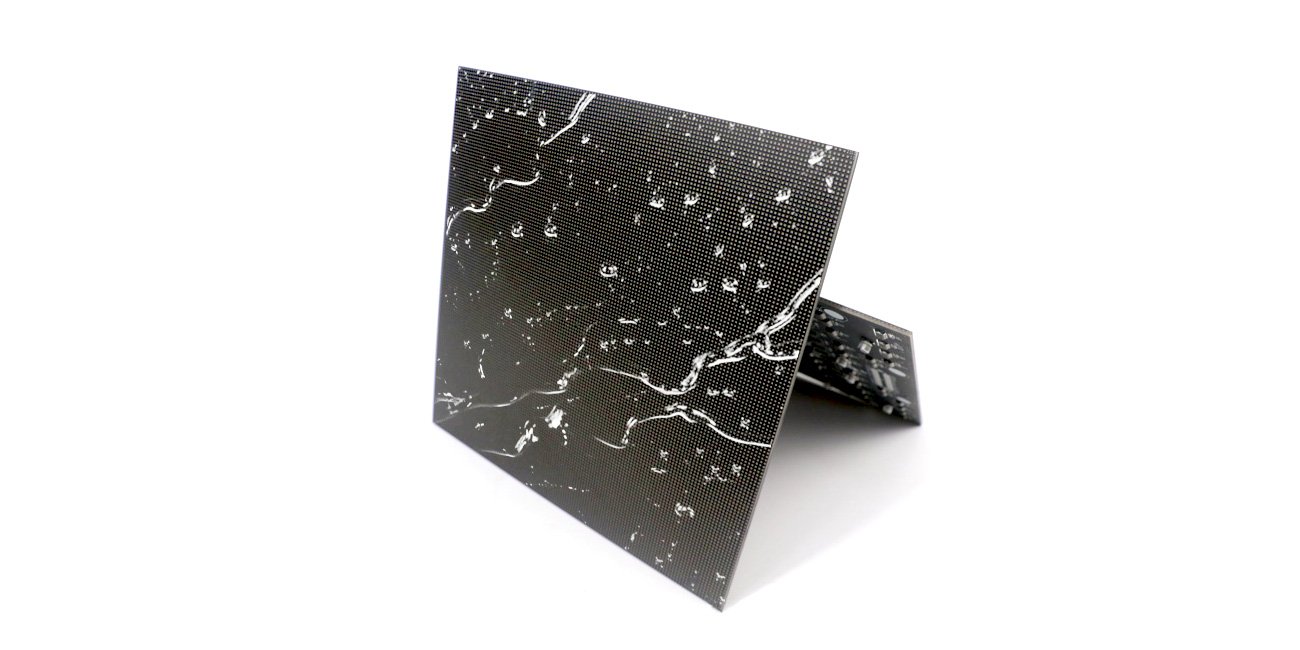
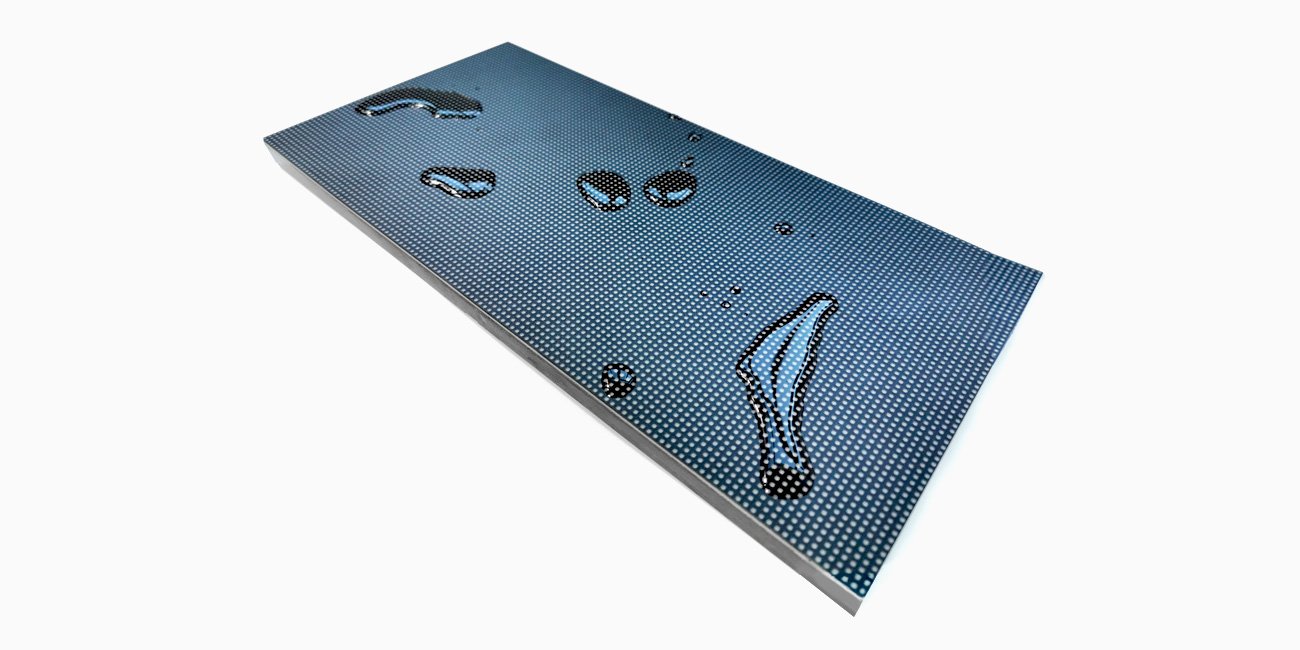
GOB means glue on board. EagerLED describes an encapsulating layer over the LED surface to help protect the components against moisture, dust and accidental contact. Its catalog includes several module sizes and pitches using this treatment. GOB identifies the surface construction; it does not identify one cabinet, pixel matrix or control configuration. GOB module specifications.
This distinction matters for screens installed where people pass close to the face, modules that staff handle during service, or display designs that need a specified protective finish. Start by describing the actual exposure and handling conditions. Then choose the footprint and pitch that fit the image and cabinet. A protective layer cannot compensate for an incompatible module or an inaccessible service arrangement.
The LED module category provides the wider component selection. The GOB rows on this page are best treated as complete module specifications with a surface treatment, rather than a coating that can be assumed on any indoor panel.
What the IP68 statement covers
The manufacturer associates IP68 with the glue-filled seal on the LED module’s surface. That is a surface-protection claim in the product description. It does not establish IP68 protection for every connector, the rear electronics or an assembled cabinet. Ask for the test scope and conditions applicable to the exact supplied module if that rating is part of the purchase requirement. Surface protection description.
A completed display also has module joints, power equipment and service openings. Specify the environmental rating of that whole assembly separately. Do not use the source’s water-droplet imagery as an installation or cleaning instruction. Obtain the approved cleaning method and clarify which parts of the module may encounter moisture during normal use.
The same restraint applies to impact language. EagerLED describes a shock-protective glue layer, but the catalog does not provide a quantified impact-test result for every variant. State the expected handling situation to the supplier and request the relevant evidence. An illustrated demonstration cannot define an unrestricted impact tolerance for a working screen.
Rectangular 320 × 160 mm GOB modules
The primary rectangular table lists six pitches with the following matrices, refresh entries and brightness values. Some rows have two refresh choices, so the ordered setting needs to remain explicit. Rectangular GOB table.
| Pitch | Module resolution | Published refresh entry | Listed brightness |
|---|---|---|---|
| P1.25 | 256 × 128 pixels | 3840 Hz | 600 nits |
| P1.53 | 208 × 104 pixels | 3840 Hz | 600 nits |
| P1.86 | 172 × 86 pixels | 3840 Hz | 600 nits |
| P2 | 160 × 80 pixels | 3840 Hz | 700 nits |
| P2.5 | 128 × 64 pixels | 1920 / 3840 Hz | 800 nits |
| P3.076 | 104 × 52 pixels | 1920 / 3840 Hz | 800 nits |
The model strings and driving-duty cells disagree in the first two source rows: the P1.25 designation contains “64S” while its duty cell says 1/32, and the P1.53 designation contains “52S” while its duty cell says 1/26. Confirm the actual scan configuration before selecting the receiving parameters or ordering replacements. This page does not resolve that disagreement by silently choosing one value. GOB scan entries.
For a new wall, have the supplier provide a matched module and control specification. For a repair, include the existing configuration file and module labels when possible. A pitch and physical size match is insufficient if the replacement expects a different driving arrangement.
Square and smaller GOB formats
The separate 250 × 250 mm table lists four configurations, all at 3840 Hz refresh. The P2.5 square module contains 100 × 100 pixels; it is distinct from the 128 × 64 rectangular P2.5 module above. Square GOB table.
| Pitch | Module resolution | Driving duty | Listed brightness |
|---|---|---|---|
| P1.56 | 160 × 160 pixels | 1/40 | 750 nits |
| P1.95 | 128 × 128 pixels | 1/32 | 800 nits |
| P2.5 | 100 × 100 pixels | 1/25 | 800 nits |
| P2.6 | 96 × 96 pixels | 1/32 | 750 nits |
Additional source rows cover P2 at 256 × 128 mm with 128 × 64 pixels, P2.5 at 160 × 160 mm with 64 × 64 pixels, and P3 at 192 × 192 mm with 64 × 64 pixels. Those entries list 1920 / 3840 Hz refresh. Their brightness values are 800, 800 and 700 nits respectively. Keep those size and matrix pairs together when checking an existing screen. Other GOB formats.
The indoor module family includes further connection variants, some explicitly labeled GOB. Use the appropriate source row for the required footprint and interface. Similar matrix or brightness values across two catalogs do not establish interchangeable mounting or connectors.
Flexible use and cabinet integration
EagerLED states that GOB treatment can also be applied to flexible modules. The flexibility of the actual treated panel must be confirmed for the intended curve. Ask for the minimum permitted radius, bend orientation and service procedure for the combined construction. Do not assume that a flexible base and a protective layer retain every property of their separate forms. Flexible GOB description.
The flexible module family helps frame that mechanical discussion. For a complete display using a protected curved face, the EA-FD reception desk is a relevant integrated-product example. A cabinet or furniture proposal should identify its module construction directly, including matching spares.
Surface treatment also affects the service discussion. Ask which removal tools and cleaning materials the supplier approves. Demonstrate removal without marking the face and inspect the reinstalled module alongside its neighbors. A replacement should match the required surface appearance as well as the pixel matrix and control settings.
Evaluate the complete requirement
| Buyer requirement | GOB selection point | Confirmation needed |
|---|---|---|
| Protection against incidental contact | Exact treated module construction | Handling limits and relevant test evidence |
| A moisture-related specification | Claimed surface protection | Scope and conditions, plus the complete enclosure rating |
| A repair in an existing wall | Footprint, matrix and scan configuration | Matching connectors, mounting and control parameters |
| A curved indoor screen | GOB on a flexible module | Approved radius, bend direction and removal method |
| Regular photography or video | Row-specific refresh choice | Delivered setting and a test with the intended camera |
Use representative content for the visual review, including uniform fields and fine lettering. Evaluate the surface under the room lighting rather than relying only on a bright demonstration video. Ask how a spare module will be matched to the delivered display and retain its configuration details with the site records.
GOB module questions
Does GOB make a finished cabinet IP68?
The source’s IP68 statement concerns the encapsulated module surface. Obtain separate evidence for the finished cabinet and its rear components, connectors and joints. GOB surface description.
Are all GOB modules 3840 Hz?
Some catalog rows list 3840 Hz, while others list 1920 / 3840 Hz. Specify the delivered refresh configuration for the exact module, especially when the screen will appear on camera. GOB refresh specifications.
Can a rectangular P2.5 replace a square P2.5?
They have different sizes and matrices. Match the installed footprint, mounting and electrical configuration rather than selecting by pitch alone.
Can GOB be used on soft modules?
The manufacturer describes that option. Confirm the specific treated flexible variant and its permitted curvature before designing the frame.
What should a quotation identify?
Provide the environment, exact module row and integration or repair scope in a module quote request. Ask the supplier to resolve any scan-duty ambiguity and include the surface-care instructions, control requirements and spare specification.
CHECK THE DETAILS
Sources & references
Source pages can change. Access dates record when they were consulted.
- GOB module specifications Accessed 28 September 2026
Discuss GOB LED module family for your project.
Share the application, destination and screen dimensions to request a configuration and written quotation.
Request a project quote