Start with the can-shaped display brief
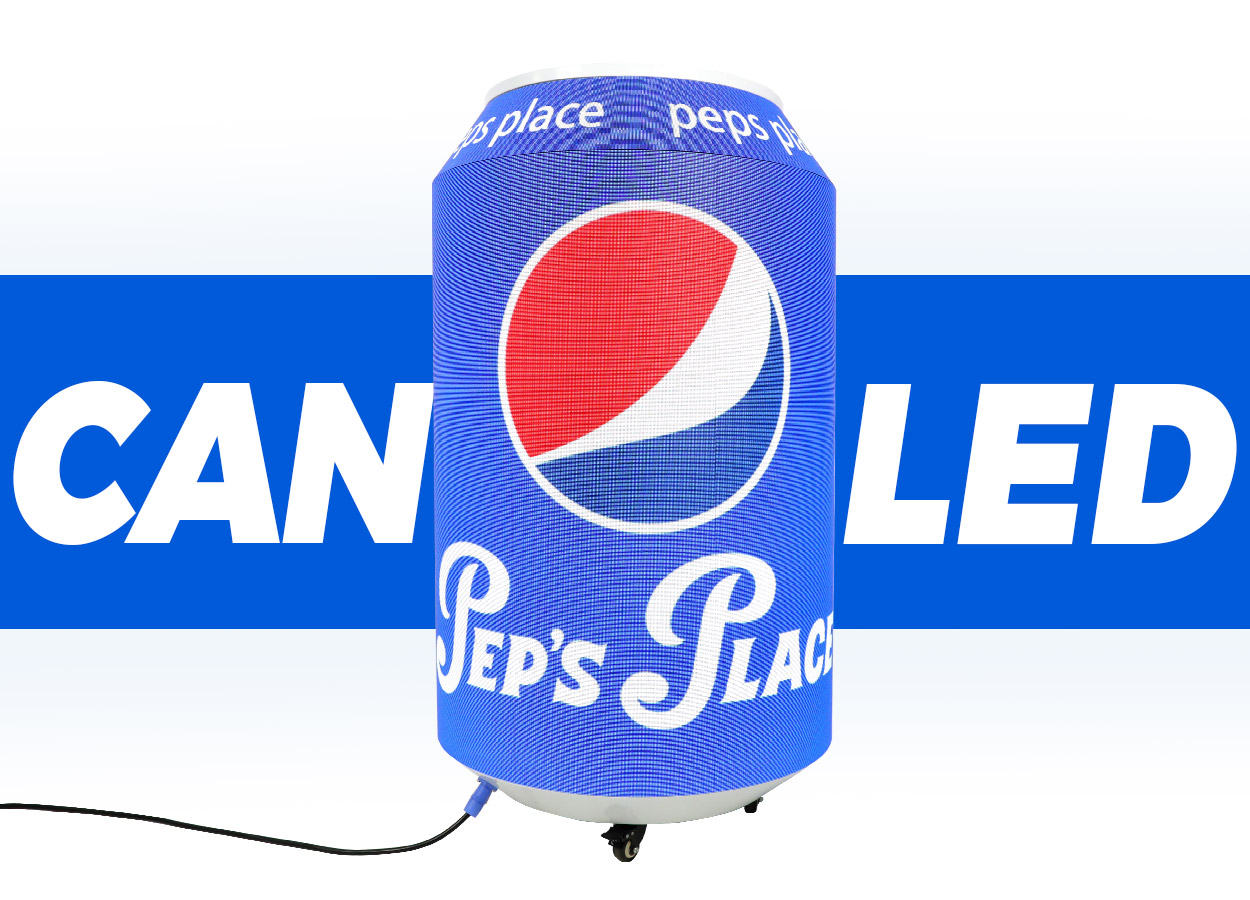
The EA-DCan is an indoor advertising display built around a can-shaped body. EagerLED describes flexible LED modules, magnetic module attachment, front installation and maintenance, and a base with three wheels. Its suggested settings include supermarkets, shopping malls, hotels and airports, with beverage branding as a principal application. The EA-DCan product details establish those features; the layout and content still need to suit the particular venue.
Decide what the object should communicate before choosing its size. A display repeating a product label has a different brief from one showing prices, a promotion or changing video. Mark the principal approach directions on the floor plan, then prepare artwork for the views people will actually see. A flat poster layout is a useful starting reference, but ask for a preview on the curved display before approving it.
Include the intended position in the inquiry. A unit beside a drinks aisle, one in a hotel lobby and one on an exhibition stand may need different arrangements for power, movement and staff access. The manufacturer identifies the EA-DCan as an indoor product and lists IP31. Do not extend that specification to an exposed outdoor promotion.
Keep the size and variant together
The official table has three columns: P1.86 Fridge, P1.86 and P2. The model names identify the latter two as GOB versions. Some columns list two cabinet sizes with corresponding weights and power values. The table below expands those paired entries into separate rows, keeping the source order. Dimensions are diameter × height, not a rectangular screen width and height.
| Documented model and size | Diameter × height | Listed weight | Maximum power | Average power |
|---|---|---|---|---|
| EA-DCan-P1.86 Fridge | 611 × 1055 mm | 65 kg | 420 W/set | 140 W/set |
| EA-DCan-P1.86 GOB, shorter format | 713 × 1270 mm | 75 kg | 450 W/set | 150 W/set |
| EA-DCan-P1.86 GOB, taller format | 611 × 1700 mm | 90 kg | 600 W/set | 200 W/set |
| EA-DCan-P2 GOB, shorter format | 713 × 1270 mm | 75 kg | 800 W/set | 270 W/set |
| EA-DCan-P2 GOB, taller format | 713 × 1750 mm | 100 kg | 1200 W/set | 400 W/set |
All three source columns list 650 cd/m² brightness, a 140° viewing angle, 14-bit grayscale and a refresh frequency of at least 3840 Hz. The listed supply is AC100–240 V, 50–60 Hz. These figures come from the variant table; have the supplier confirm them against the exact size on the order. Power is stated per set, so it should not be presented as a square-metre rating.
The Fridge name needs particular care. The table supplies a model label and display-related figures, but does not establish usable refrigerated capacity, a cooling range or whether its power figures include refrigeration. If cooling is part of the project, request a separate functional specification and an explanation of the power measurement. Do not substitute the Fridge column for a standard GOB unit because both use a P1.86 pitch.
Prepare content for the curved surface
Both P1.86 columns use 320 × 160 mm modules with a listed resolution of 172 × 86 pixels. The P2 column uses the same module dimensions with 160 × 80 pixels. These are module figures, not a supplied full-display artwork template. Request the complete pixel map, the usable image boundary and the position at which the content joins around the body. Module specifications.
Place the primary product name where it can be checked from the main approach. Ask the designer to preview what happens to that name, a price or a short instruction as the viewer moves to either side. For a repeating label, inspect the join as well as the main face. For moving content, review a complete loop so a transition does not leave the principal viewing side without a readable message.
Use the smallest real text in the demonstration. A logo animation alone will not answer whether an offer or product description is readable at the intended position. The pixel pitch guide provides a way to organize that viewing check. Record the chosen pitch, display dimensions and approved artwork template together so a later campaign does not have to reconstruct the layout.
Plan the position and front access
The documented wheels allow the EA-DCan to be repositioned, but the specification table includes units from 65 to 100 kg. Plan the delivery route and storage position for the selected unit, including the packed dimensions. Ask how the wheels are secured in the operating position and what handling procedure applies at thresholds or changes in floor level. The source does not establish a handling team size or an allowable slope.
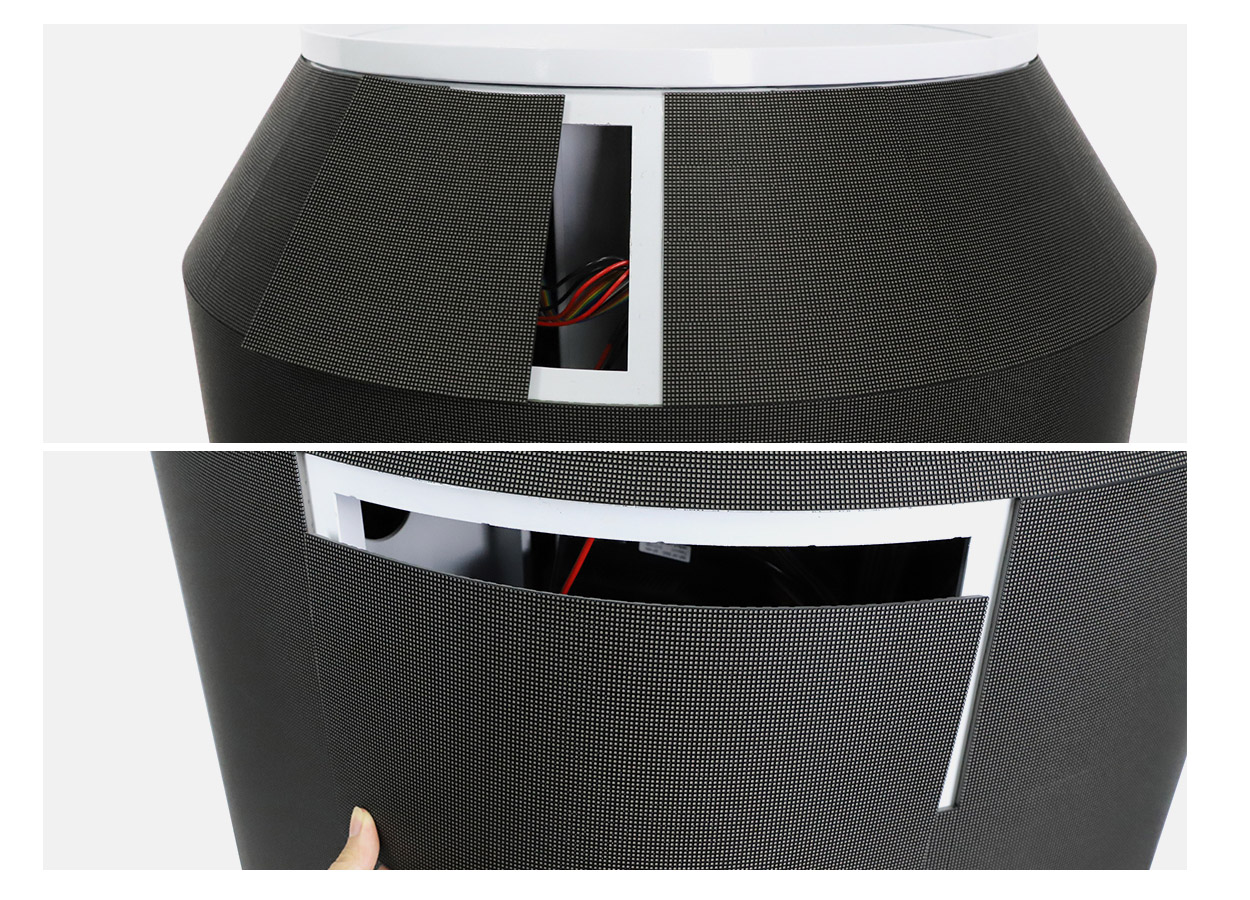
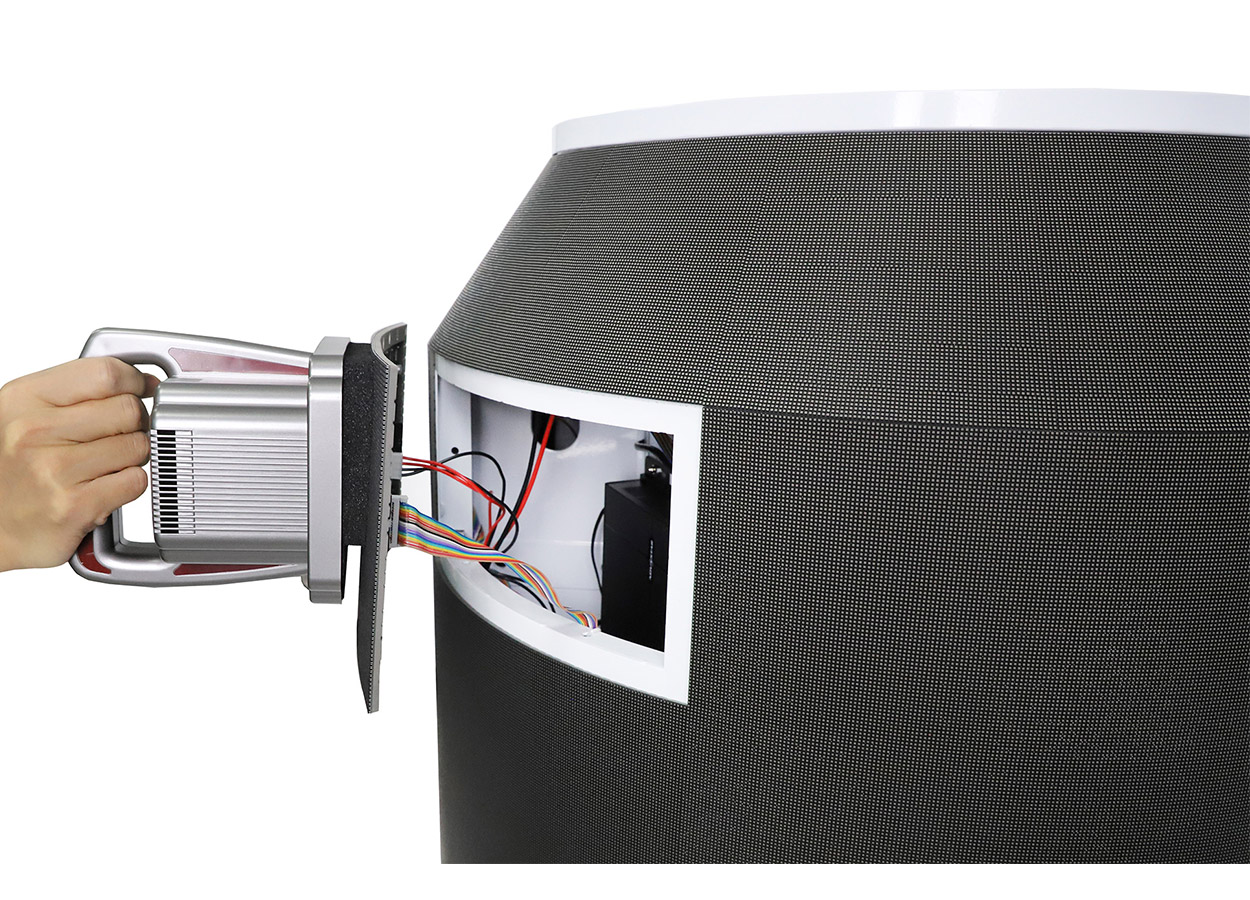
EagerLED states that the magnetic flexible modules can be installed and maintained from the front. Preserve access to the curved surface rather than enclosing it permanently within a decorative surround. Ask for the removal sequence, required tools and the replacement-module part numbers for the purchased pitch. A front-service description does not identify every task or every internal part a local technician may replace.
Agree where the power connection and control equipment will sit before placing the display in a busy area. Have the venue’s installer define cable routing and the operating position. The maintenance planning guide helps put spares, transport and service responsibilities into the order instead of leaving them until a fault occurs.
Specify the operating package
The product page describes plug-and-play operation and multiple control methods, but does not list the exact controller, media formats, network interface or software entitlement supplied with each variant. Ask for a demonstration using the proposed configuration and your own sample content. Include the person who will update the screen after delivery, not only the team choosing its appearance.
| Order item | Confirmation to request |
|---|---|
| Model identity | Full model, pitch, GOB designation where applicable, diameter and height |
| Artwork | Full pixel map, content join, supported files and an approved test loop |
| Playback package | Controller, upload method, software access and any recurring service charge |
| Movement and packing | Packed size, packed weight, supplied case and handling instructions |
| Service | Removal procedure, spare modules, replacement parts and support responsibilities |
| Fridge configuration | Cooling function, usable space, operating limits and separate power clarification |
Use the quote comparison guide to put those items beside the hardware price. Freight, commissioning, content preparation and spare parts should each have a clear owner. No selling price, current inventory or delivery commitment is established by the technical page. A project quote should identify the exact configuration and the destination before a total is compared.
EA-DCan questions
Is the larger P1.86 model also wider?
The two GOB P1.86 entries list 713 × 1270 mm and 611 × 1700 mm. The taller entry is narrower. Keep both dimensions on the purchase drawing rather than using only “large” or “small.”
Does every version include a refrigerator?
Only one source column is labeled Fridge. The other two model names are P1.86 GOB and P2 GOB. Cooling capability and its scope require explicit confirmation for the Fridge order.
Can the content be changed?
The manufacturer describes replacing text or video content and plug-and-play use. Request the exact upload process, supported formats and operator access for the controller being supplied.
What should be tested before acceptance?
Review the approved artwork on the complete curved display, including its join and the smallest text. Check the delivered model against the order, demonstrate a content update and retain the operating and service instructions.
Can it be positioned outside a shop?
The documented product is indoor and rated IP31. An exposed location needs a separately established environmental specification; the can-shaped appearance does not establish weather protection.
CHECK THE DETAILS
Sources & references
Source pages can change. Access dates record when they were consulted.
- EA-DCan specifications Accessed 23 September 2026
Discuss EA-DCan for your project.
Share the application, destination and screen dimensions to request a configuration and written quotation.
Request a project quote